

Setting Up Your Organization
Setting up takes one short form, then a checklist that fills itself in as you work. There is no long wizard to sit through, and nothing here has to be finished before you can start.
Creating the organization
Create your organization asks for the things that are awkward to change later:
- Organization name, as you want it shown.
- Country.
- Locale, the language and region used for formatting.
- Timezone, searchable by city.
- Base currency, what your calls and sales are priced in.
- Measurement system, Metric or Imperial.
- Paper size, A4 or Letter, used whenever Crafted Call prints anything.
- Organization slug, the address your public pages sit at. Leave it blank and it is generated from your name.
Choosing your country fills in sensible defaults for the rest, and you can change any of them. Get the country right: it decides currency, paper size, measurement and the tax rules that apply to you. Australian and New Zealand organizations should check the timezone specifically.
Choose Create organization and you are in.
About the slug
The address is generated from your organization name. If you rename the organization before you have published anything, the address follows the new name automatically, so an early typo fixes itself.
Once you publish your organization page or your first call, the address is fixed. Links you have shared keep working, and a rename after that point changes your name without breaking your links. If you genuinely need the address changed after publishing, contact support.
Get your gallery ready
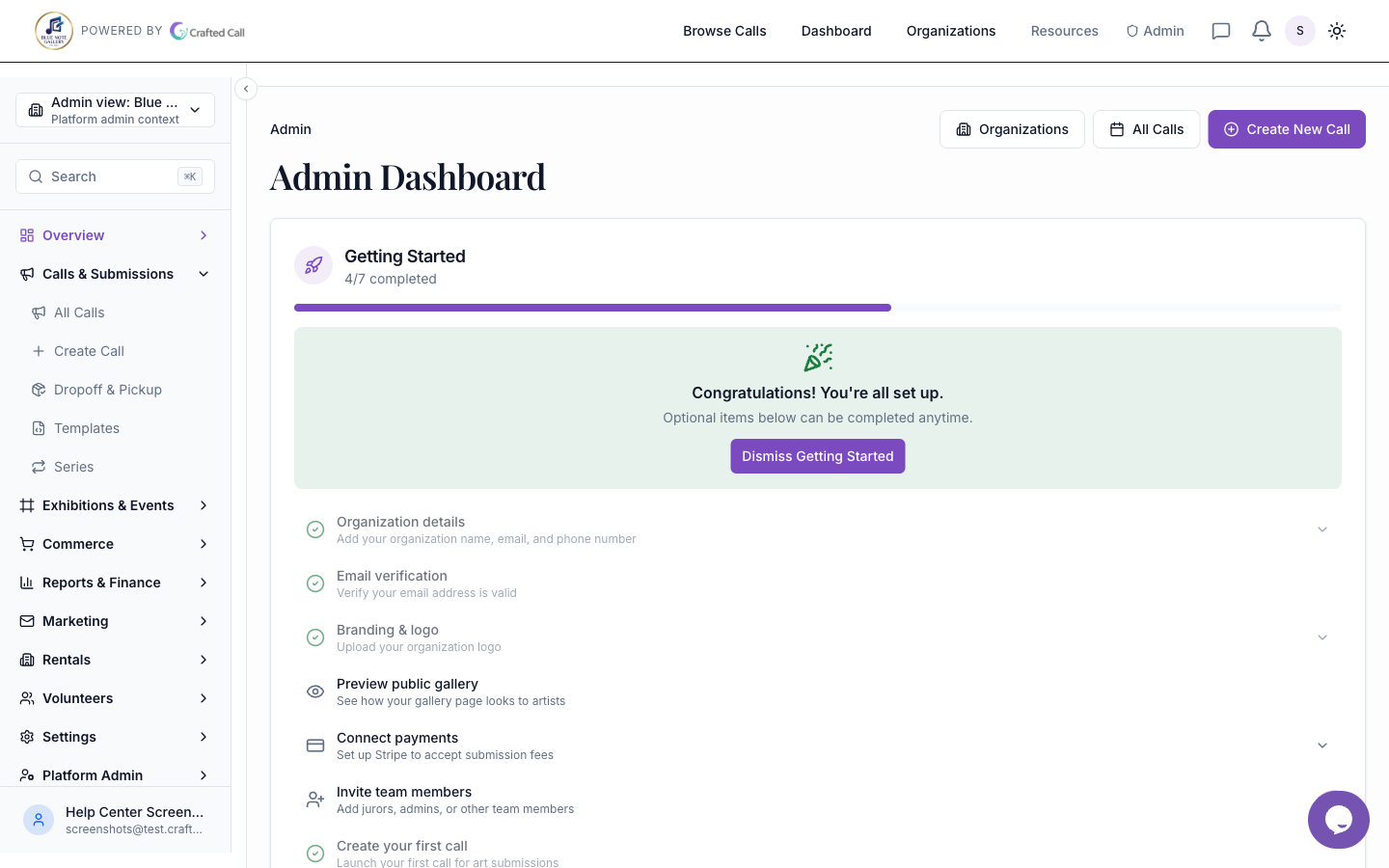
Your dashboard carries a checklist called Get your gallery ready, with a progress ring. It is ordered by what actually matters, not by what is easiest:
- Confirm your country and currency. Everything else depends on this, which is why it comes first.
- Create or import your first call. This is the real milestone. A gallery with a published call is set up; a gallery with a perfect profile and no call is not.
- Connect Stripe to accept payments. This step only appears once you have a call that charges a fee, or once you have started connecting. If your calls are free to enter, you are never asked for it.
Was this article helpful?